PRODUCT IMAGES
Start with what you have.
Bring product images into a video brief. Choose the details that deserve to be seen.
Independent site · not the official TopView website
 TopView.Get TopView
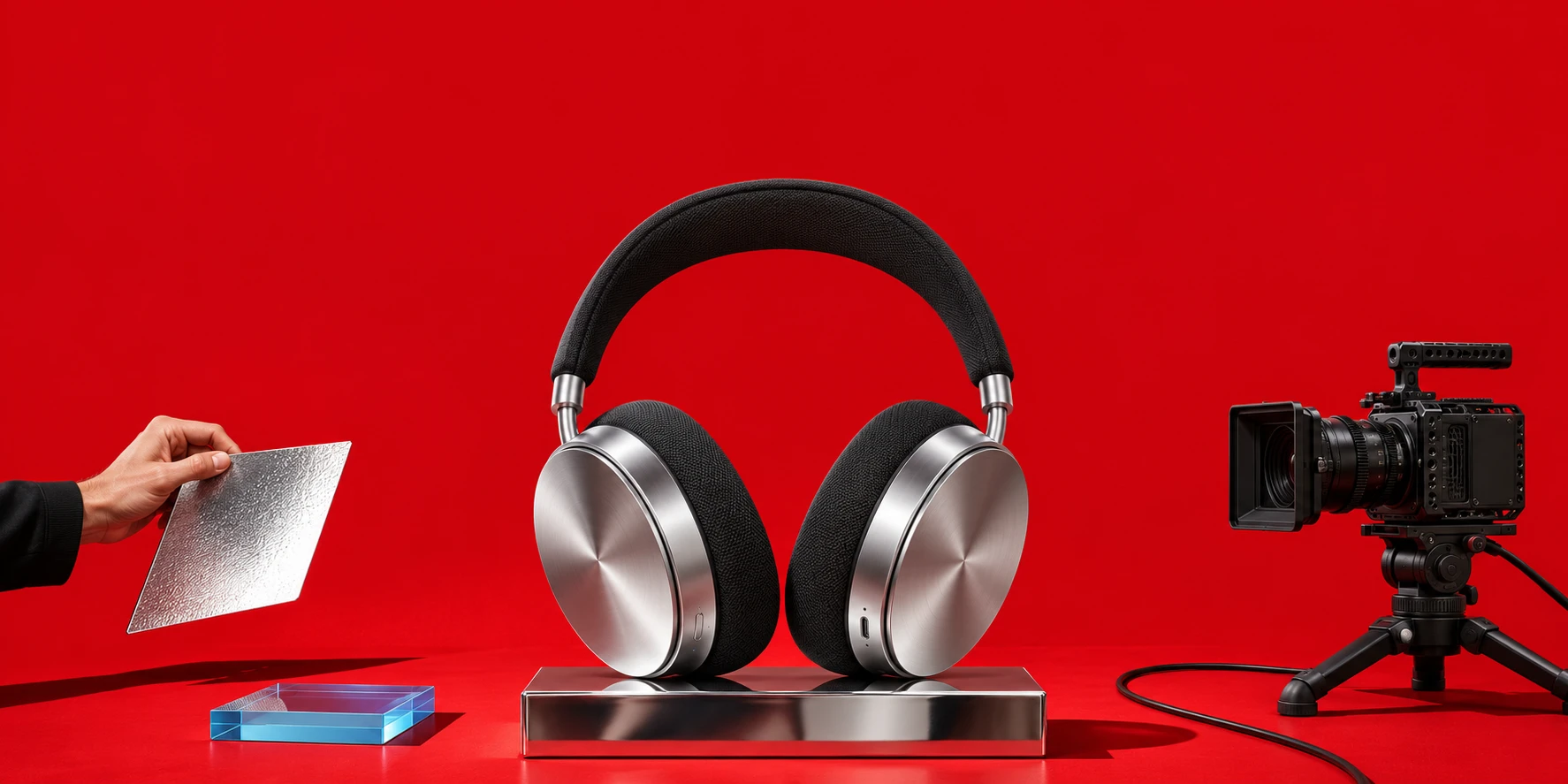
FROM PRODUCT TO PICTURE
Android & iPhone. In-app purchases.
A product photo is a beginning.
A reference is a direction.
The story is what connects them.
Bring product images into a video brief. Choose the details that deserve to be seen.
Explore ad concepts and templates as a starting point, using material you have the right to work with.
Shape an opening, a story and a next step with the app's script and video creation tools.
Explore language options, then review meaning and product claims before publishing.
Features, supported languages, models and usage limits vary by app version and plan. No guaranteed views, sales or generation outcome.
A hook. A story. A next step.
Put a little intention behind the next take.
Open on a close-up of Wireless headphones. Let one distinctive detail create curiosity.
HOOKShow Wireless headphones in use. Choose one real feature that matters to The daily commuter; avoid unverified claims.
STORYFinish on a clean product frame and invite The daily commuter to explore the details.
CALL TO ACTIONLocal planning notes. Not AI-generated video.
Independent planning worksheet. Your entries stay in this browser tab. No upload, AI processing or video generation.
 01 / 03
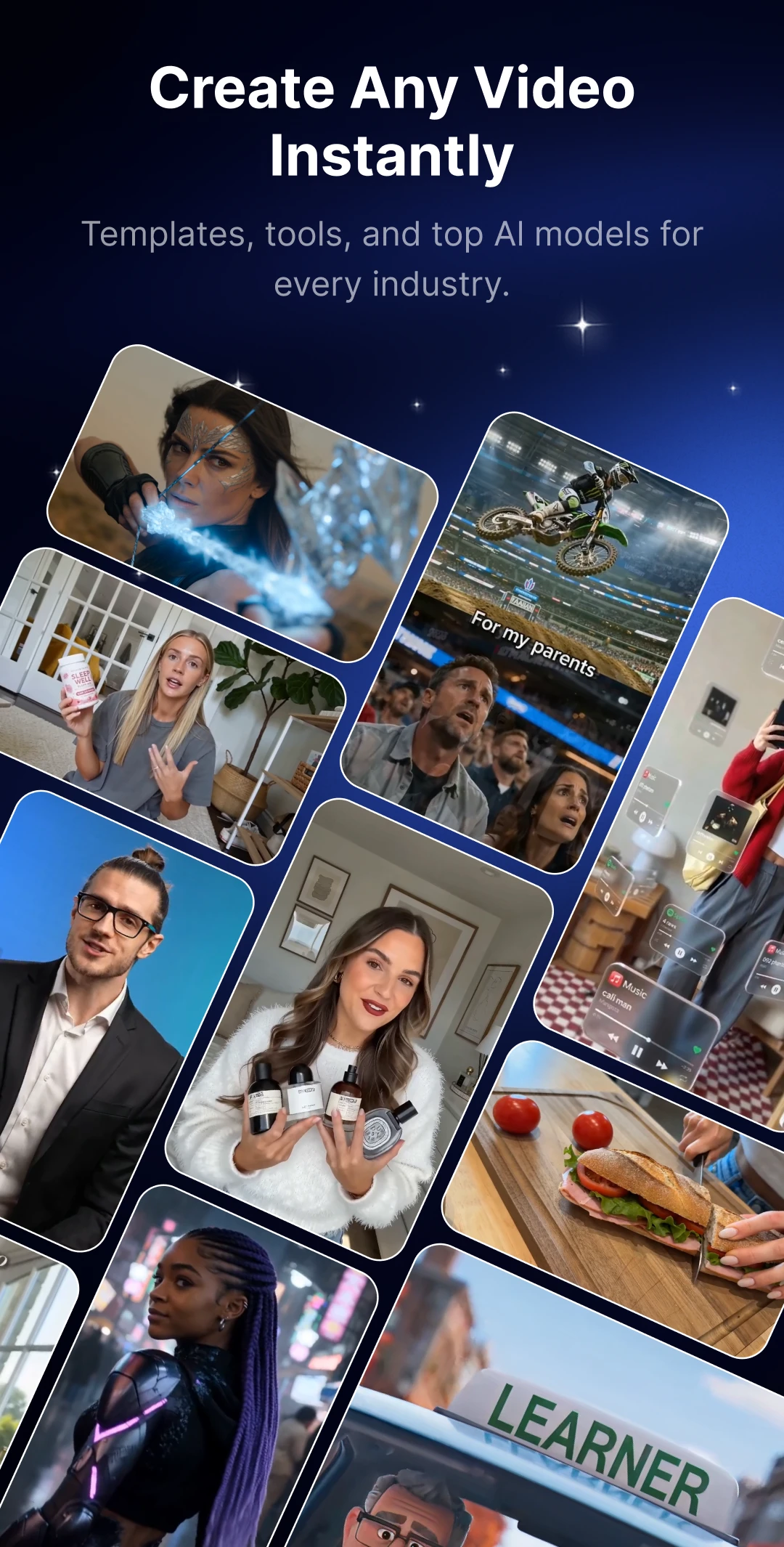
Original publisher images, shown intact. Promotional claims in these images are not independently verified.
A look at the publisher's collection of video concepts and creative tools.
Check features, prices and availability. A beautiful frame should never make an unsupported promise.
Use licensed footage and music. Get consent for identifiable faces, voices and endorsements.
Check credits and plan limits before generating. An experiment is not a guaranteed result.
In-app purchases. Check current features,
credits and plans in your store.
Topview: AI Video StudioOne product. A new point of view.